


After success with tricks theme version 1 and develop a few weeks Tricks Collections themes v2 now Tricks themes ver. 2 ready for download. Unlike previous versions of tricks themes, this version of WP theme now using fixed layout and come with smaller width size.
That’s it? No, there are some new features on this theme. I’ve added social bookmarking buttons, related post with different background color, added new icon, and so Adsense ready. On this theme can embed now you embed Adsense code more easily. I made theme’s layout like this after seeing there are several blogs trying to make this theme into two columns.
Features of this Tricks-Collections themes V2:
- Adsense Ready
- Logo Ready. You can add your own blog logo to this template. Replace the logo with your own logo. The logo must in PNG format and placed in the images folder on this theme.
- Page navigation ready. If you installed WP-Pagenavi plug-in you must disable it before installed this themes.
- Social Bookmarking button ready. Related post.
- Related posts ready. Now the related post with thumbnail to reduce the bounce rate on your blog (NEW).
- Auto split categories into two column (NEW)
- Thumbnail image ready. Now it active without any plugin requires. (NEW)
- Widget ready and more…
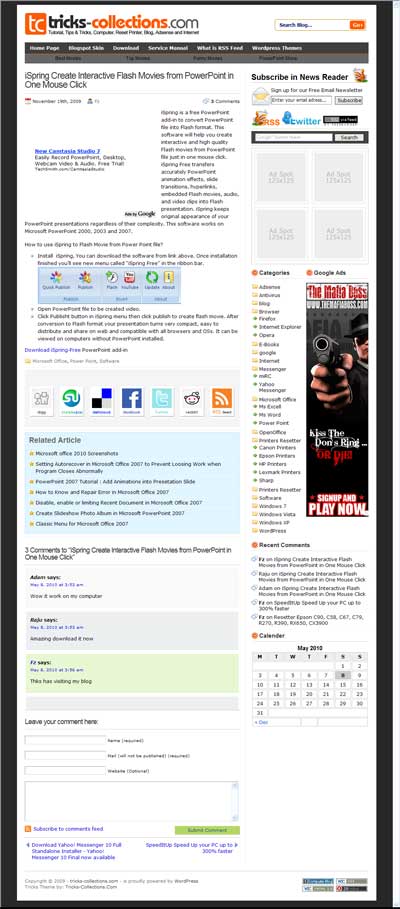
How to upload and using Tricks themes V2 on my Blog:
On this tutorial I use wordpress version 2.9.2 to upload this themes. For other wordpress versions there may be it differences. Follow this steps to upload this theme to your blog:
- After download this theme (Tricks Theme 2). Login to your wordpress blog (Download link for this theme found in the bottom of this post)
- After enter to WP-admin panel (dashboard) click “appearance” then click “add new themes”
- Click “upload” link, select the downloaded Tricks themes V2 by clicking browse and select the theme then click “Install Now” button.
Important files on Tricks Theme v2
Important files you should know when using this theme on your Blog. These file contain script/code that you should replace with your own code, namely:
- 125.php : If using 125x125px banner, you can place the banner scripts on this file
- adsense-content1.php : Replace Adsense code on this file with your own Adsense or other advertisement. The Adsense will appear on single and page only after title of content. I recommend using “336×80” (large rectangle) Adsense size on this file.
- adsense-content2.php : I recommend using “336×80” (large rectangle) or banner ads size on this file.
- adsense-front.php : ads code will appear after first post on homepage.
- adsense-menu.php : Adsense on the bottom of menu. (background=#666666, link=#ffffff)
adsense-search.php : Replace the Adsense search on this file with your own Adsense search cede.- banner.php : if you want to add a banner (468×60) you place theme banner code on this file.
subscribe.php : replace subscription form, twitter link, feedburner counter on this file with your own.related-post.php : script for related post.
How to Replace the Adsense code on Tricks themes V2:
- Login to your WordPress Blog
- Click “Appearance” then “editor” and you will see important files that mentioned above.
- Replace the code on the then click update file.
Recomended Plugin If You use this theme (require only if you are using old version):
“Get The Image” to show thumbnail picture in home“WP-Pagenavi or WP-page number” to display navigation page
Like Us below to get your Download link for Tricks Theme V2
Download Tricks Theme V2 (new version). There are most new features added in this new version and also improved the loading speed and reduce the number of codes.


2 komentar on free download Tricks Collections SEO Friendly WordPress Theme V2 :
Thanks for informing about SEO...
SEO Services in Nashik
reupload please.. you all link is dead nonton film bioskop 21
Post a Comment and Don't Spam!